Lighting From the Beginning: What ISO, Shutter and Aperture Do to Your Flash
The one-sentence rule behind off-camera flash, and how to balance strobes against ambient light with the exposure triangle.
2026 note: High-speed sync, leaf-shutter lenses and newer bodies have loosened the old sync-speed ceiling described here, but the way each setting affects flash versus ambient light hasn't changed.
It's amazing how quickly something can catch your attention and pull you in. You can go from discovery to obsession almost instantly, and then spend years learning, practicing, adopting, adapting and evolving that obsession. For me, that's lighting. I love to do it, learn it, teach it, talk about it and think about it constantly. I believe that's how some of the greatest photographers in the world got their start.
I want to teach lighting the way I learned it (and keep learning it): from the beginning rather than the end. Most tutorials, workshops and videos I've seen start at the end. They show you exactly how to build a lighting setup without helping you understand how they got there, or they throw out rules of thumb (which I hate!) and make something look easy that isn't easy the first time. So where do you begin?
Choosing your light
The basics start with the type of light you want to use:
- Natural light: the light from the sun that we live in day to day.
- On-camera flash: a flash mounted on the camera's hot shoe, aimed directly at the subject or bounced off walls and other objects.
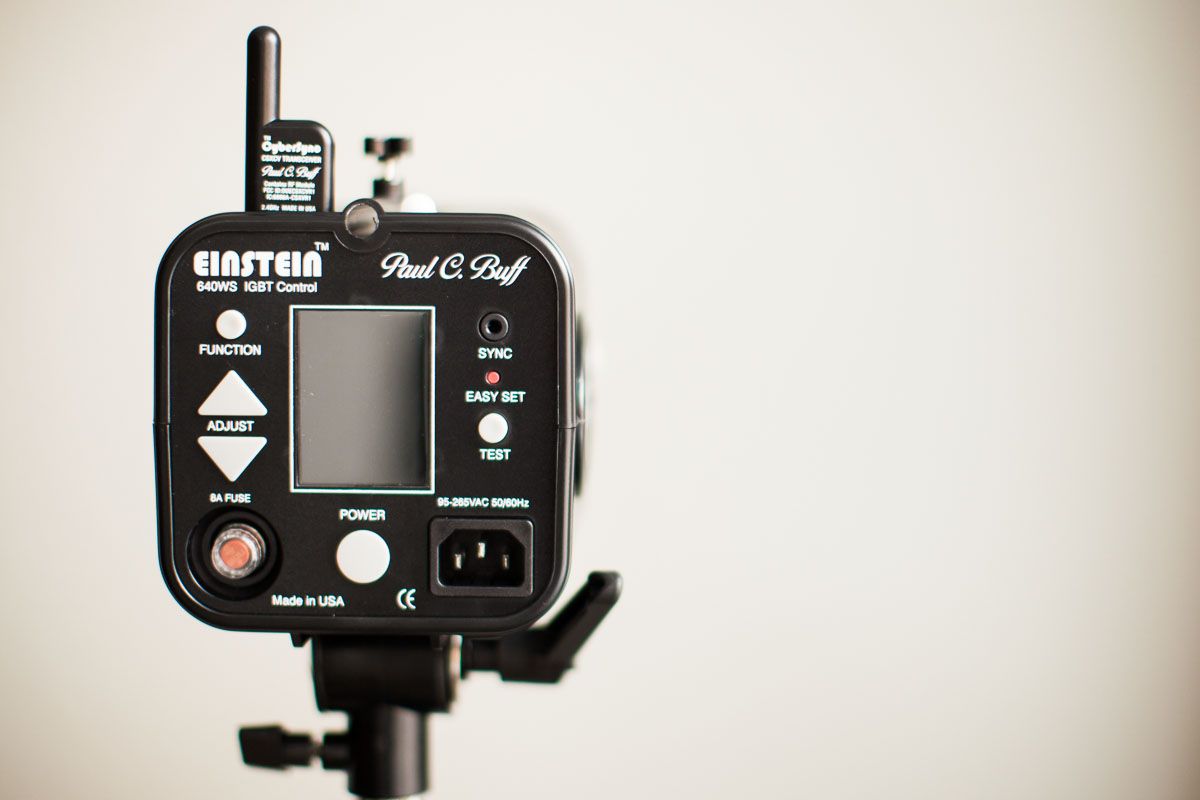
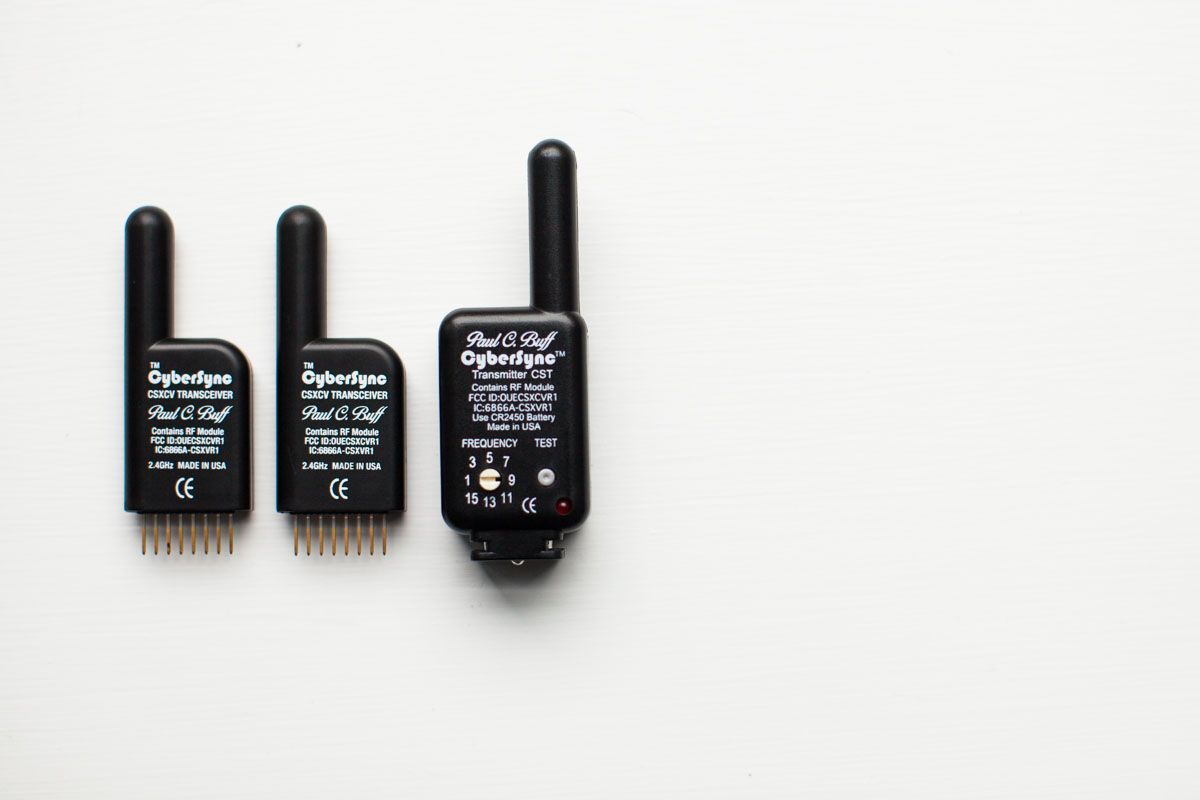
- Off-camera flash: a flash on a stand somewhere else, triggered by a remote.
Here I'm focusing solely on off-camera flash, since it's what I use almost exclusively and it's the most fun. I'll also stick to how it applies to sports photography, since that's mostly what I shoot.
The secret sauce
It really boils down to understanding how the exposure triangle (aperture, shutter speed and ISO) affects your lights and the available light around you from the sun or constant lights. Here it is. Are you ready?
Aperture affects your lights and your available light. Shutter speed affects only the available light. ISO affects the entire photo.
That's it. Everything else is positioning, attention to detail and having a vision for what you're trying to accomplish. But let's dig into why each one does what it does.
ISO
ISO is the easiest to explain. It changes the light sensitivity of the sensor or film, and it applies to the entire image. Whether the light comes from the sun, a constant movie light, a flash or anything else, ISO doesn't care. If the whole image is too bright or too dark, ISO adjusts the whole thing.
I leave my ISO at 100 whenever possible because I want the best image quality I can get. If I'm inside and want to balance the room light with the strobe a little more, I might bump it to 200 or 400, but I don't go higher than that when I'm shooting with lights.
Shutter speed
First, and this is very important with flash: your camera has a sync speed you can't exceed. It's specific to your camera and listed in the owner's manual. Mine was 1/200th of a second, so as long as I shoot at 1/200th or slower, I'm covered. Go faster and the shutter itself starts showing up in the frame as a black bar or a missing chunk of the image. No bueno.
Now the balancing act. Your shutter affects only the available light, because the flash duration is too quick for the shutter to touch it. If your flash fires for something like 1/13,000th of a second, a 1/200th shutter isn't fast enough to change what the strobe does to the image.
That's exactly why I choose a fast flash, and it's huge if you want to stop action. If you've shot action in daylight, you know you need something like 1/1000th of a second to freeze movement without blur. We can't do that with flash, because our sync speed is a meager 1/200th. So how do we stop the action? With flash duration. The light freezes the subject, so the shorter the flash duration, the better the stopping power.
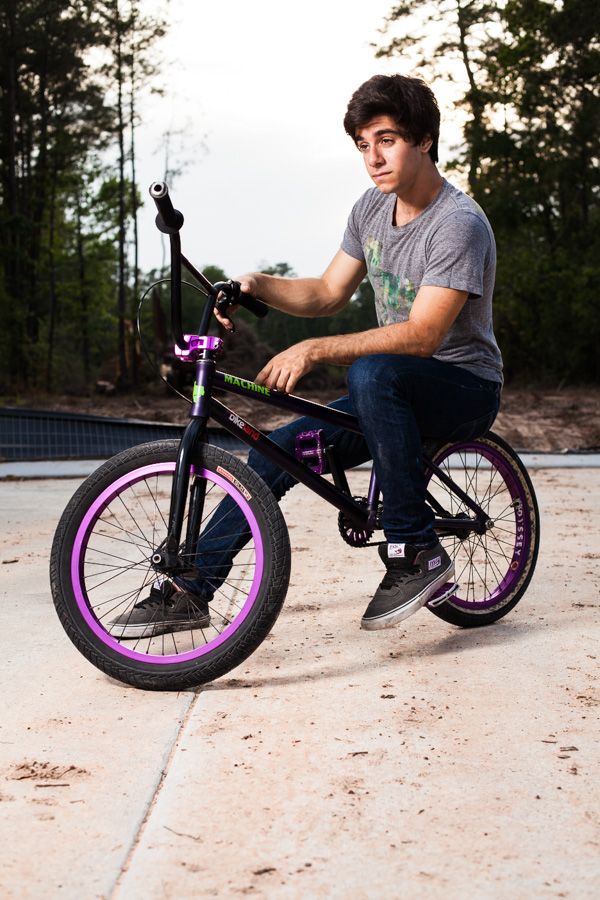
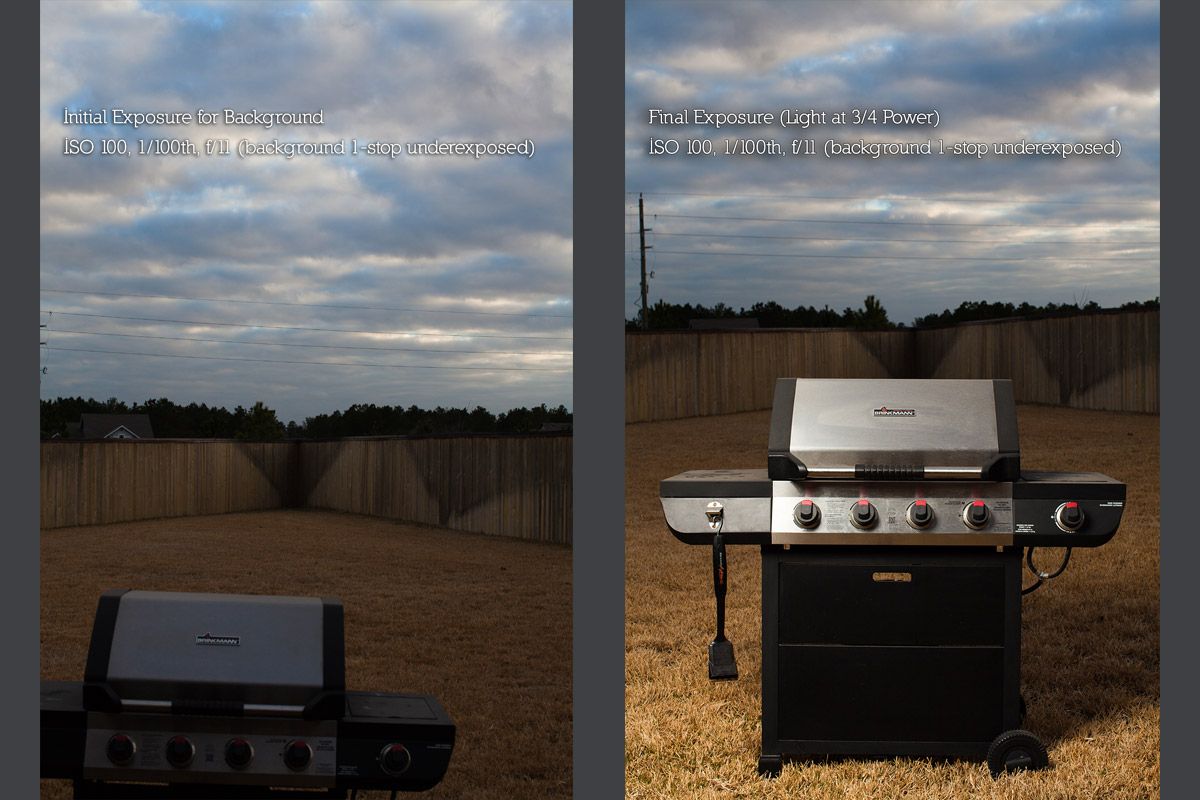
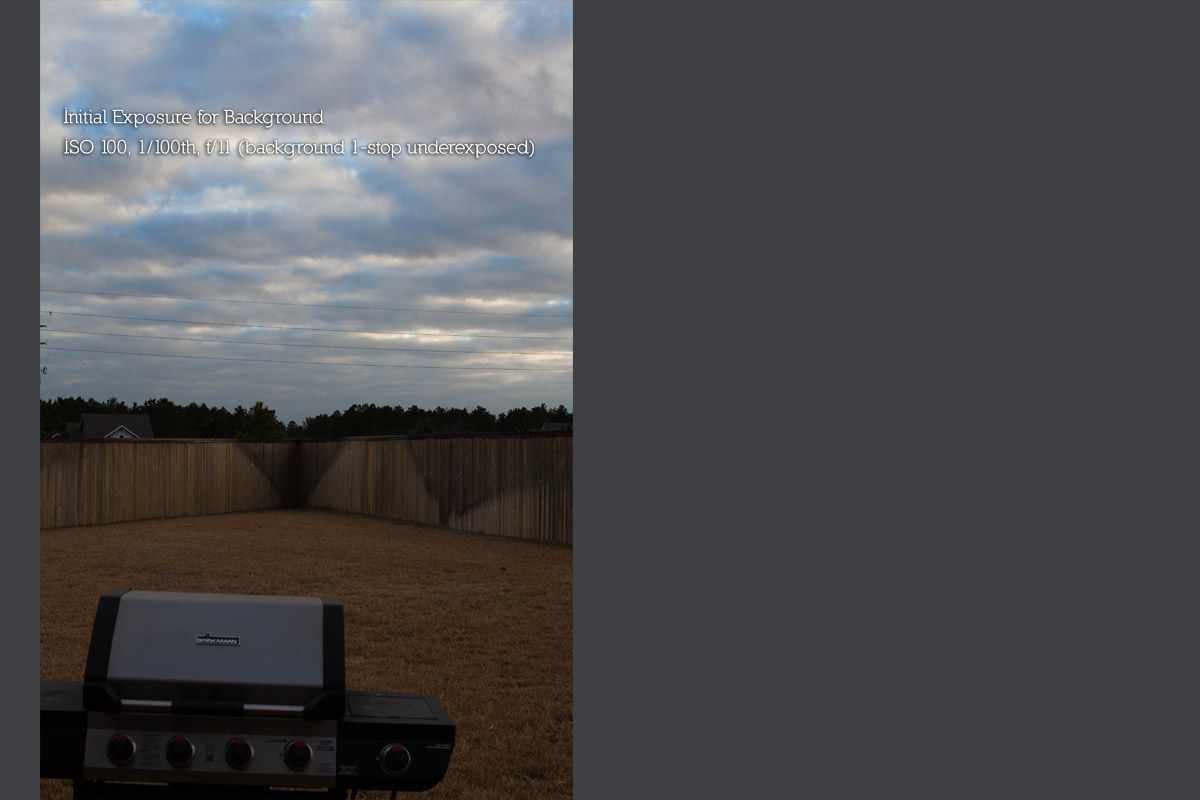
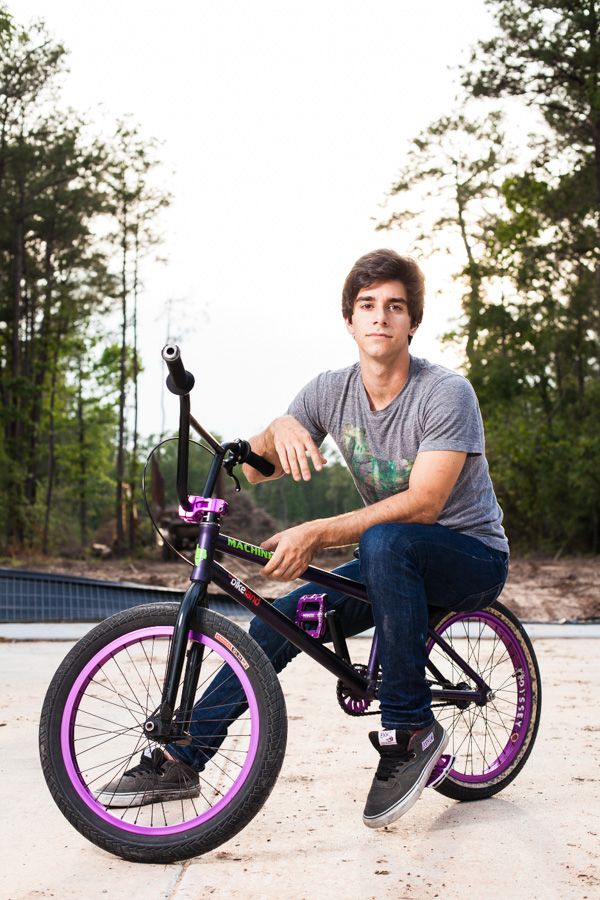
Back to shutter and ambient light. Since the shutter affects only the available light, you can use it to shape the background. A lot of my images have a darker, dramatic background that makes the subject pop, and that comes from the shutter speed:
- To let more available light bleed into the image, I drag the shutter longer.
- To let the background blur a little behind a moving subject, I drag the shutter longer.
- To darken the background and make the subject pop, I speed the shutter up.
With a little playing around, it becomes intuitive. (A light meter can be an awesome tool here too.)
Aperture
Finally, the crux of the matter. Aperture is where the gold is in most of photography: depth of field, different kinds of sun flares, more light in dark situations, or less light when you want a slower shutter to create motion. That carries into lighting too, because:
Aperture affects both the power of your light and the amount of available light in the image.
Forget lights for a moment. Open the aperture and the image gets brighter; close it and it gets darker. That's how aperture affects available light, and it doesn't change when you add flash.
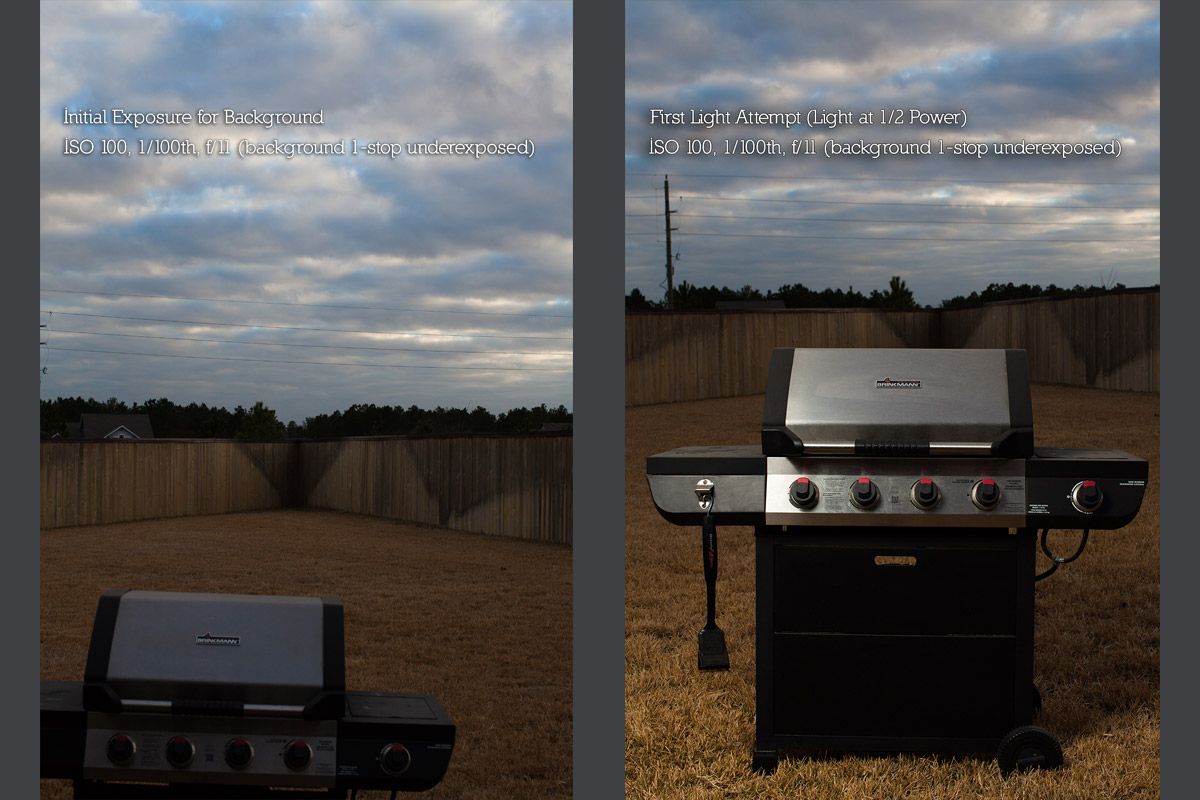
What does change is that the flash now drives what your aperture should be. You may be used to setting your aperture and then speeding up or dragging the shutter to get the exposure you want. With lights, the only ways to change how the flash affects the image are to change the power on the light or to open and close the aperture to control how much of that light reaches the sensor.
That's where the balancing act lives. If my light is too powerful and I close the aperture to counter it, I'm also letting in less and less available light. If my light isn't powerful enough and I open the aperture wide, I let in tons of available light and may not even see the effect of the flash.
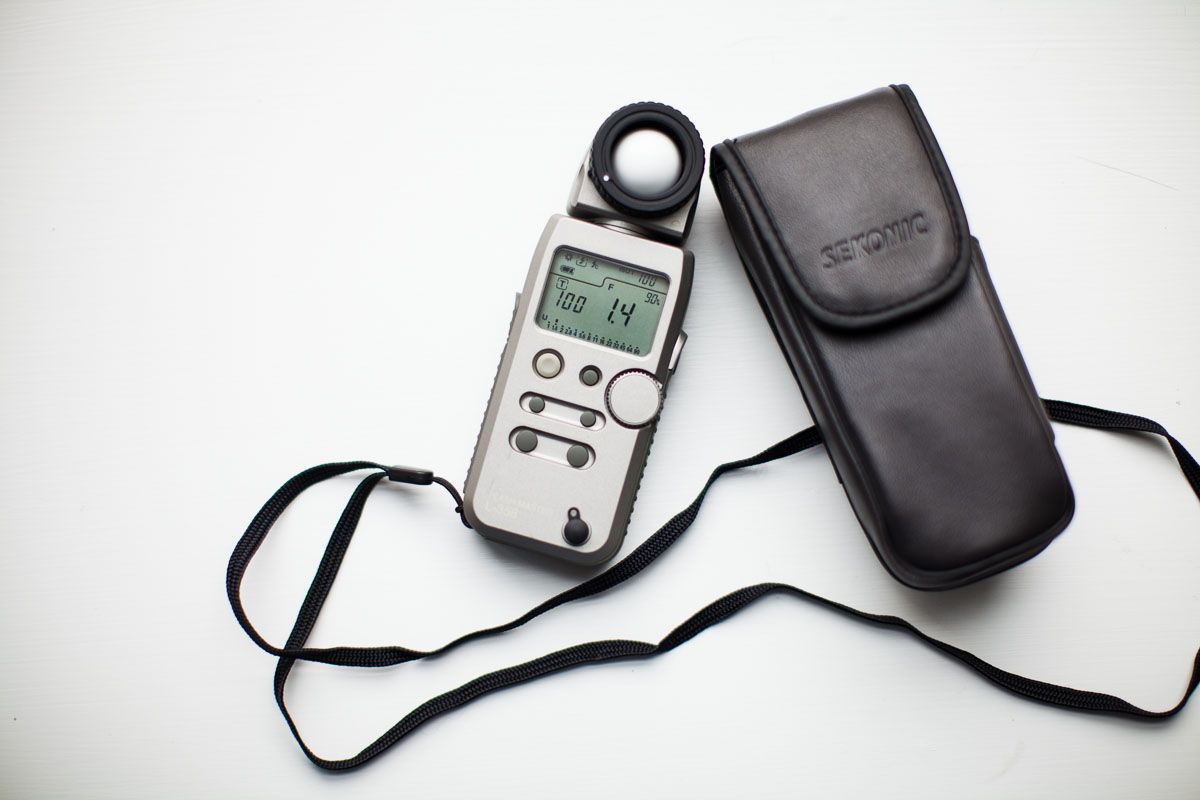
This is the key to well-exposed portraits with flash, and you can't learn it just by reading. It takes practice. Lots and lots of practice.
Read your histogram
Tools like a light meter make it more intuitive, but ultimately you need experience: understanding how to read an image, see light and read a histogram. Use your histogram as a major guide. Nobody explained this to me when I started, and I had no idea what I was doing.
A rough guide for portraits: watch the red channel, since that's where skin tones live. If it's spiking at the bright end, you're probably blowing out parts of your subject. If it's all bunched in the dark end, you're probably underexposing them, which may or may not be what you want.
I know that's a lot of technical material, but I hope it gives you a basic understanding of how ISO, shutter speed and aperture balance one another so you can create the images you're after with off-camera flash.
Originally published on the Ruddock Visuals blog, January 2014. Lightly edited in 2026.